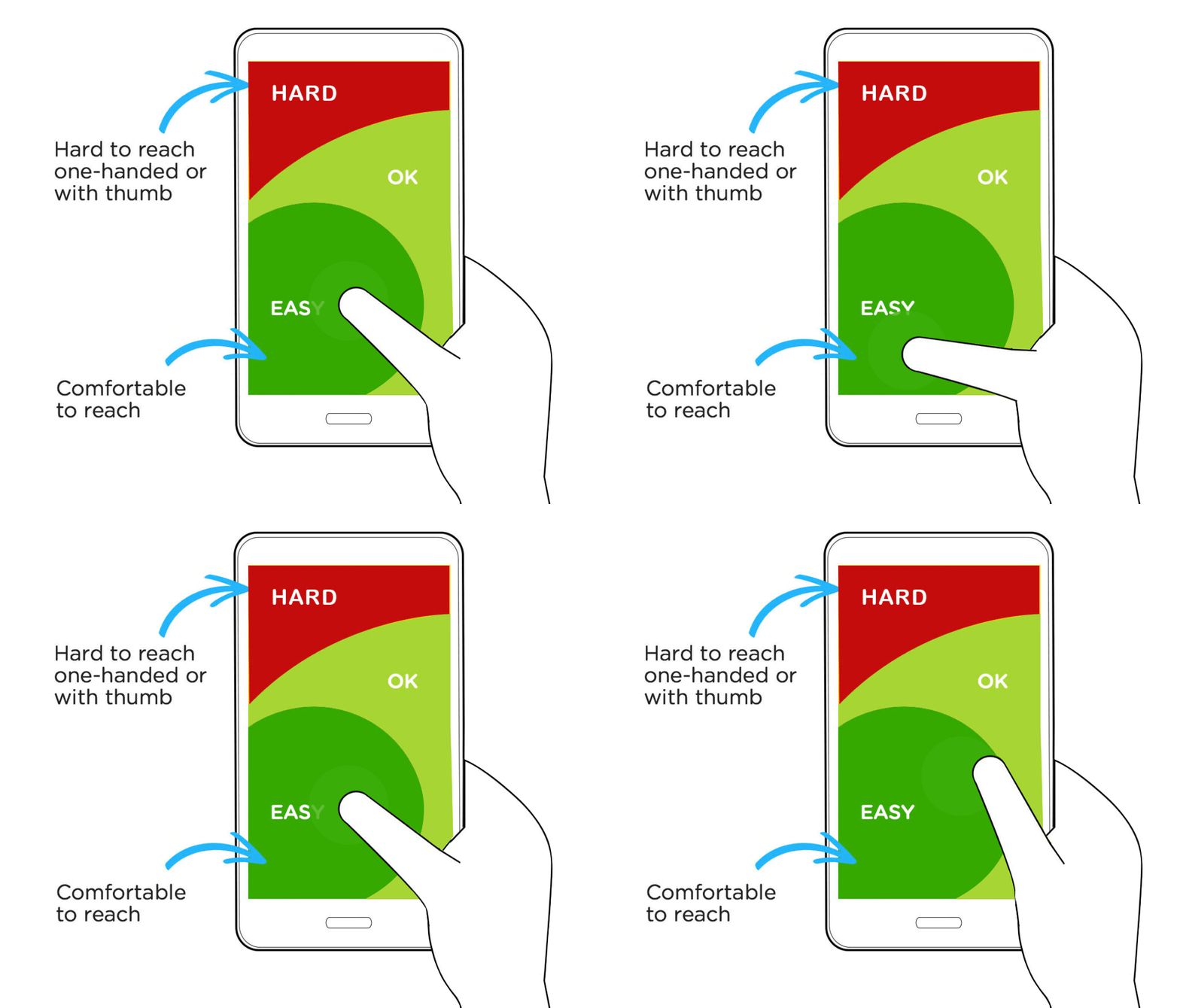
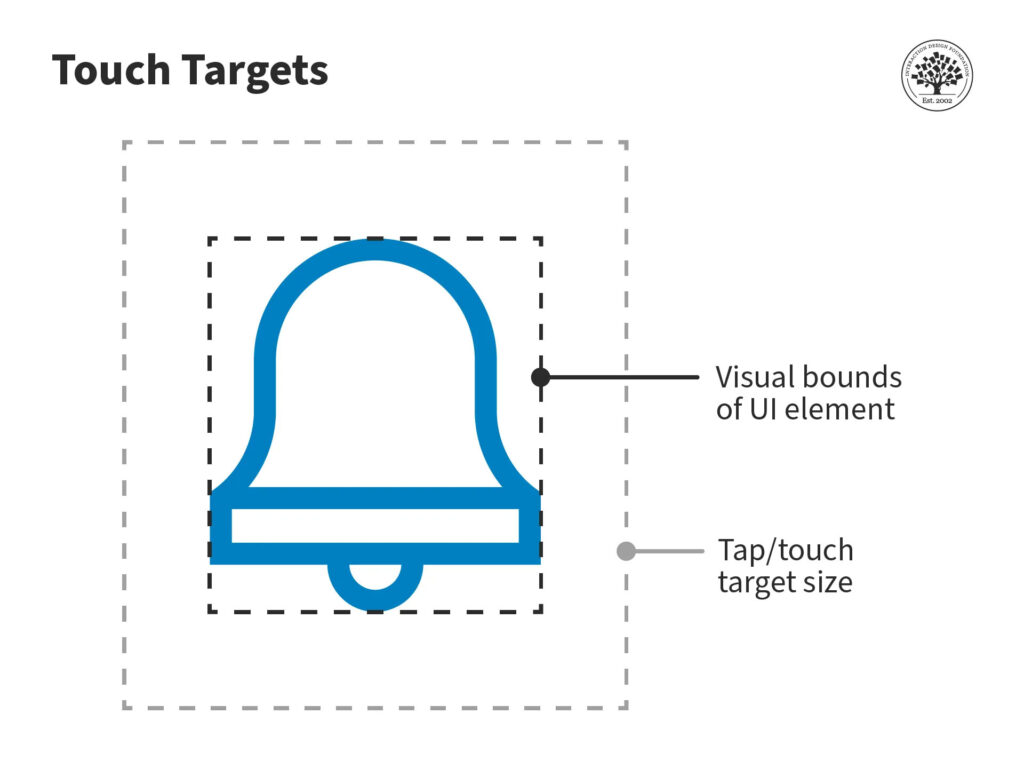
Tappability refers to an affordance for tapping. UI elements that people can tap are called touch targets or tap targets. These include elements such as icons, buttons, input elements (text boxes, radio buttons, checkboxes, etc.) and hyperlinked text, and they may extend beyond the visual bounds of an element.
When the icon is small, and you do not touch it accurately, the action will still work if the area around the icon is also tappable. Hence, it is essential for the tap target to be large enough to accommodate our approximate taps, swipes and drags.
They attract the user’s eye.
The user understands that they are actionable elements.
They are readable, and the user can understand what action they will perform.
The user is confident that they can easily tap them.
What's Included in Our Website Design Packages
Creative Design
Premium Design
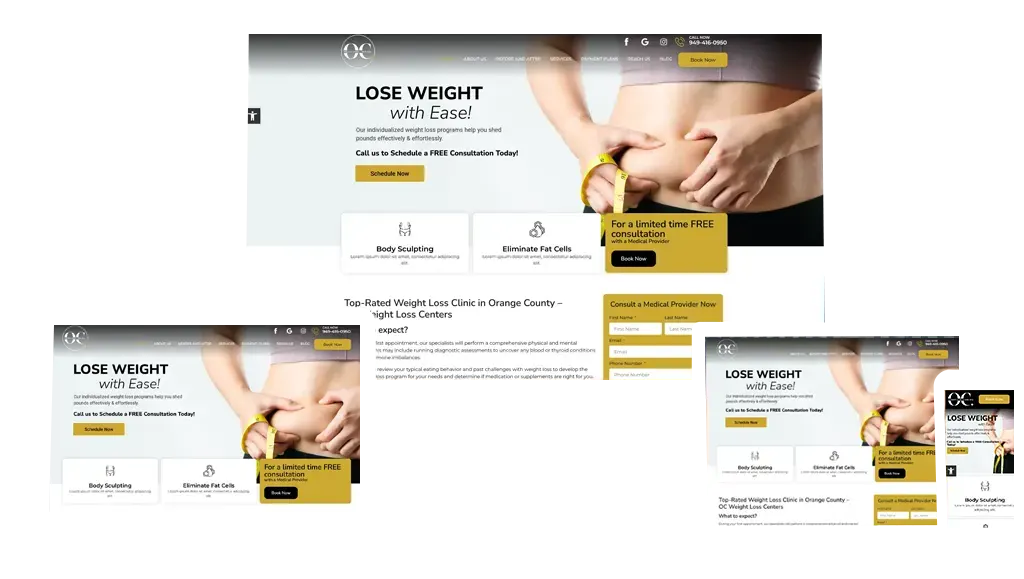
Responsive Website
Adaptive design which fits for global devices
Quick Development
Fast & Quick Development
Project management
Excellent Support with Client Dashboard
Content Management
Webpage Content Writing
SEO Optimization
Optimized for Search Engine optimization
Unique Features
Tappability Affordance
Tappability refers to an affordance for tapping
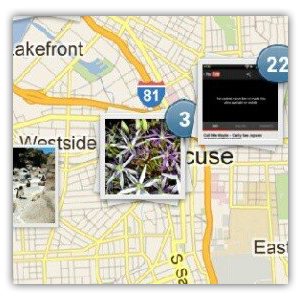
Geo Tagging
Geotagging is the process of appending geographic coordinates to media
Design, customize, and manage your website’s essentials with Elementor’s Theme Builder: Header, footer, 404 page, single post, single page, archive, and WooCommerce product page and product archive.
Bring Out the “Wow” Factor With Animations
Create advanced animations and motion effects with parallax scrolling, horizontal & vertical scrolling, transparency, 3D tilt, rotate, blur & scale, mouse track, and more
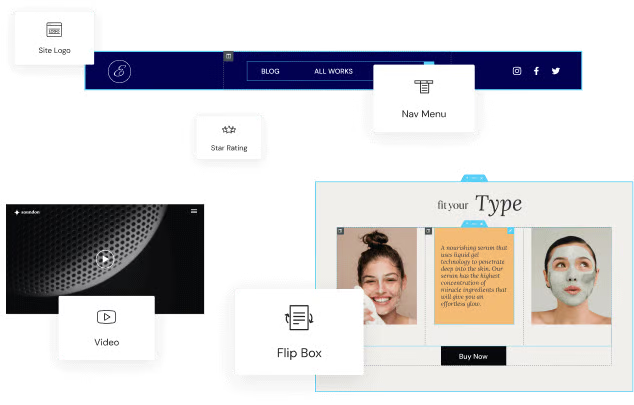
100+ Widgets
Theme Builder
WooCommerce Builder
Landing Page Builder
Motion Effects
Custom Icons
60+ Powerful Pro Widgets
Elevate your designs and create advanced website content with Elementor’s revolutionary Pro widgets: Premium media widgets, social media widgets, menu widgets, single post widgets, marketing widgets, & more.
Customize Websites With Dynamic Content
Create fluid website content based on your visitors. Personalize experiences using unique landing pages, or define one design for multiple pages.
Convert Visitors Into Customers
Reach your marketing goals with engaging content. Build high-converting landing pages, integrate multi-step forms, and create custom popups.
From landing pages, and eCommerce stores, to full-blown websites - build it all with Elementor
One of the best ways to optimize one’s workflow, in general, is to create templates and use shortcuts. With an Elementor upgrade, you’ll be able to do both of these things within WordPress.
Elementor users can create template pages and sections from within the Elementor live editor or from the Templates area of WordPress that appears after you install the plugin. While Elementor’s page and section templates save you time building content from-scratch, custom templates allow you to reuse your own designs and layouts across the site.
With Pro’s Global Widget feature, you can create and save repeatable blocks to your templates—like calls-to-action and forms.